Using Your Ledger with DeFi: A Complete Tutorial
By MVaults Editorial ·
Follow a protocol-neutral workflow for connecting a Ledger-backed account, reviewing permissions, testing a small interaction, and managing approvals afterward.
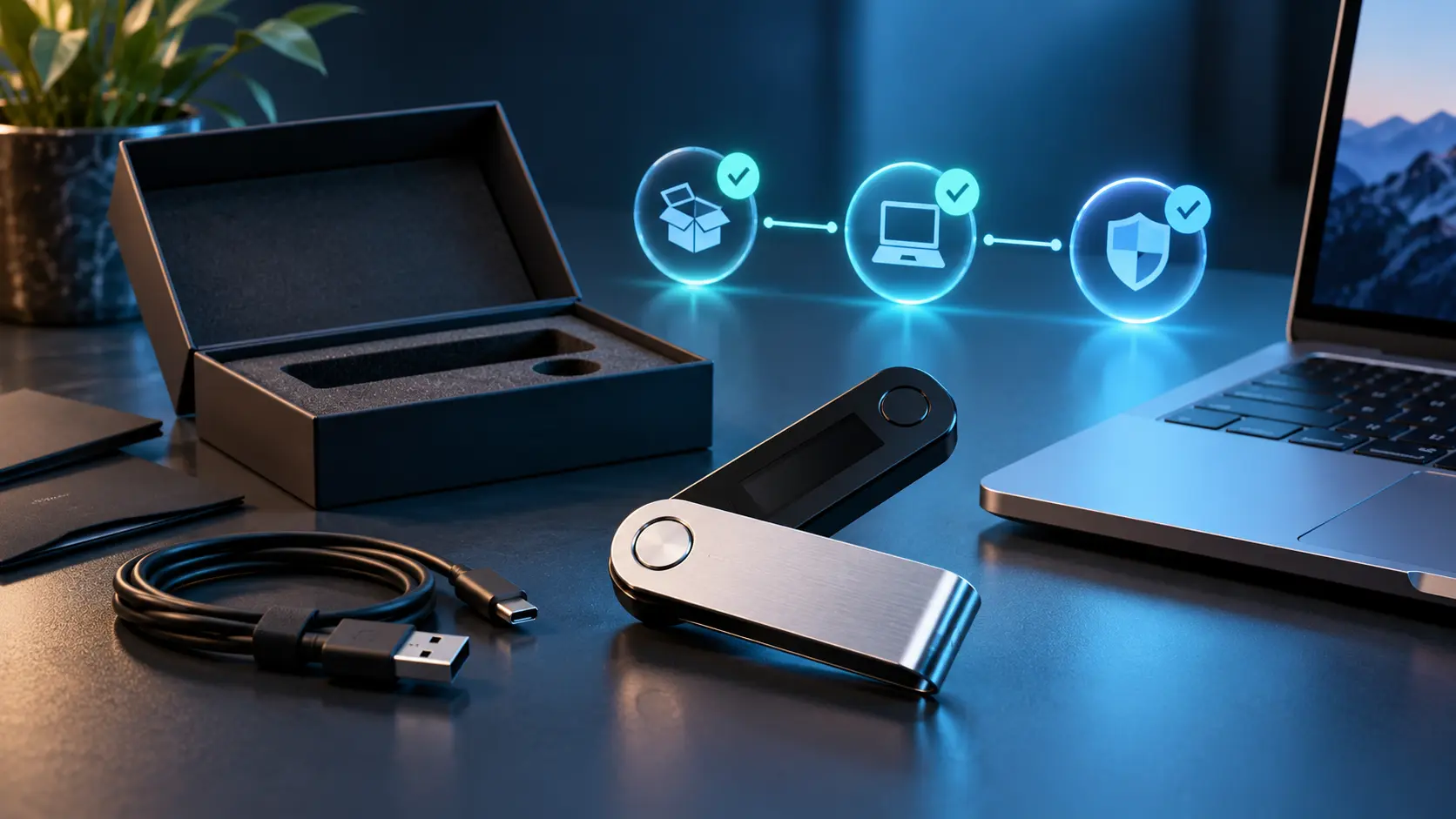
A Ledger can keep signing keys on a separate device while a compatible application prepares DeFi transactions. That separation does not eliminate smart-contract risk, malicious approvals, or the financial risks of the protocol itself. This tutorial covers the connection and review process rather than recommending a token, protocol, or yield strategy.
1. Prepare the wallet and network
Complete the official device setup and recovery backup before connecting to a decentralised application. Choose the account and network you intend to use, check that your wallet integration supports both, and leave enough of that network's fee asset for the actions you plan to perform.
Write down the proposed interaction before opening the application: for example, swap a specified amount of one token for another on one network. This gives you something concrete to compare with the requests the application later produces.
2. Connect a hardware-backed account
Ledger documents both direct application integrations and connections through compatible wallets in its DeFi guide. Availability varies by application, device, and network.
If using MetaMask, follow its hardware-wallet connection guide. Use the hardware-wallet connection flow rather than importing your Ledger recovery words into a browser wallet. Select the intended hardware-backed account, and verify its address before proceeding.
Connecting lets the application identify the selected account; it is not the same action as approving a particular transfer. Review every subsequent permission or signature request separately.
3. Verify the application and its permissions
Navigate through the protocol's independently verified official documentation. Check the exact network and contract identifiers there rather than copying them from unsolicited messages or advertisements. A familiar logo and a working connect button are not proof of authenticity.
For an approval, identify which token is involved, which contract receives spending authority, and the permitted amount. Prefer a limited allowance when the supported workflow permits it. An unlimited allowance may remain useful to a contract after your immediate transaction is finished.
4. Review before you sign
Compare the device's displayed information with your written plan: network, destination or contract, amount, and permission. Ledger's guide explains that readable transaction details depend on the integration. Do not treat the presence of a hardware confirmation as proof that the displayed request is safe.
If the request contains opaque data or information you cannot interpret, cancel and consult the wallet and protocol documentation. Do not enable blind signing merely because a stranger or pop-up tells you that it is necessary to claim a reward.
5. Test the complete interaction
Start with an amount whose loss you could tolerate. Check the quoted output, fees, and any slippage setting before signing. After confirmation, inspect the resulting balances and transaction record on the correct network.
An approval and a swap can be separate actions with separate fees. A successful small test is useful operational evidence, but it does not prove that a protocol cannot later fail or that a subsequent request is identical.
6. Close the session and review allowances
Disconnect applications you no longer use and inspect outstanding permissions through your wallet's or network's official tools. Disconnecting a website is not equivalent to revoking an on-chain allowance. Revocation itself can require a transaction and fee.
Keep long-term holdings and experimental activity separate where practical. Separate accounts under one recovery phrase can help organisation, but they do not isolate the consequences of that phrase being exposed. Reassess your backup and permissions whenever your usage changes.
- DeFi
- Ledger
- Smart Contracts